Git
origin = 代码的起源/源头,方便你理解远程仓库和本地仓库的关系。
命令
| command | comment | 说明 |
|---|---|---|
| git ls-remote --tags | show remote tags | |
| git log git reset --hard |
clear all update | |
| git log --all --oneline --graph --decorate | 显示所有提交 | |
| git restore --source=commit id -- 文件名 | 合并指定文件 | |
| git stash | 暂存当前更改 | |
| git stash show | 查看当前暂存内容 | |
| git stash pop | 拉取当前暂存内容 | |
| git push origin :refs/tags/v0.0.1 | 删除远程分支 | Git push 的基本格式 git push <远程仓库> <本地分支/标签>:<远程分支/标签>冒号前空,意味着删除 |
git tag v1.0.0 git push origin v1.0.0
git push origin v0.0.1 在干嘛?
拆开看:
git push origin v0.0.1 ↑ ↑ 远程仓库 tag 名
意思是:
把本地的 v0.0.1 这个 tag 推送到 名叫 origin 的远程仓库(GitHub)
github Action
name: Build Executable

on:
  push:
    tags:
      - "v*"

permissions:
  contents: write   # ✅ 允许创建 release
  actions: read

jobs:
  build:
    runs-on: ${{ matrix.os }}

    strategy:
      matrix:
        os: [ubuntu-latest]
        python-version: ['3.10']

    steps:
    - uses: actions/checkout@v4

    - name: Set up Python ${{ matrix.python-version }}
      uses: actions/setup-python@v4
      with:
        python-version: ${{ matrix.python-version }}

    - name: Install dependencies
      run: |
        python -m pip install --upgrade pip
        pip install -r requirements.txt

    - name: Install certbot
      run: |
        pip install certbot

    - name: Build executable
      run: |
        python build.py

    - name: Make executable
      run: |
        chmod +x dist/*

    - name: Create GitHub Release and upload assets
      uses: softprops/action-gh-release@v2
      with:
        files: |
          dist/*
      env:
        GITHUB_TOKEN: ${{ secrets.GITHUB_TOKEN }}
合并更改
git checkout master
git cherry-pick commit-id
创建新分支
git switch -c 新分支名 master
移除已经跟踪的文件
git rm --cached package-lock.json

.gitignore 中添加 package-lock.json
彻底清除git所有历史提交记录使其为“新”库
git checkout --orphan latest_branch
git add -A
git commit -m 'init'
git branch -D main
git branch -m main
git push -f origin main
另一个分支的所有代码变动
git merge
只需要部分代码变动(某几个提交)
git cherry-pick
查看远程分支
git branch -r
创建并切换分支
这个命令是将git branch newbranch和git checkout newbranch合在一起的结果。
git checkout -b localbranchName remoteBranchname
刷新远程分支
git remote update
忽略已经push的文件
git rm -r --cached /target/
git commit -m '忽略文件'
clone 非22 端口
git clone ssh://git@gitee.com:22/wjn0918/linkis.git
github action
ssh 远程执行
  remote-deploy:
    needs: build-and-push
    runs-on: ubuntu-latest

    steps:
      - name: SSH into Server and Deploy
        uses: appleboy/ssh-action@v1.0.0
        with:
          host: ${{ secrets.SERVER_HOST }}
          username: ${{ secrets.SERVER_USER }}
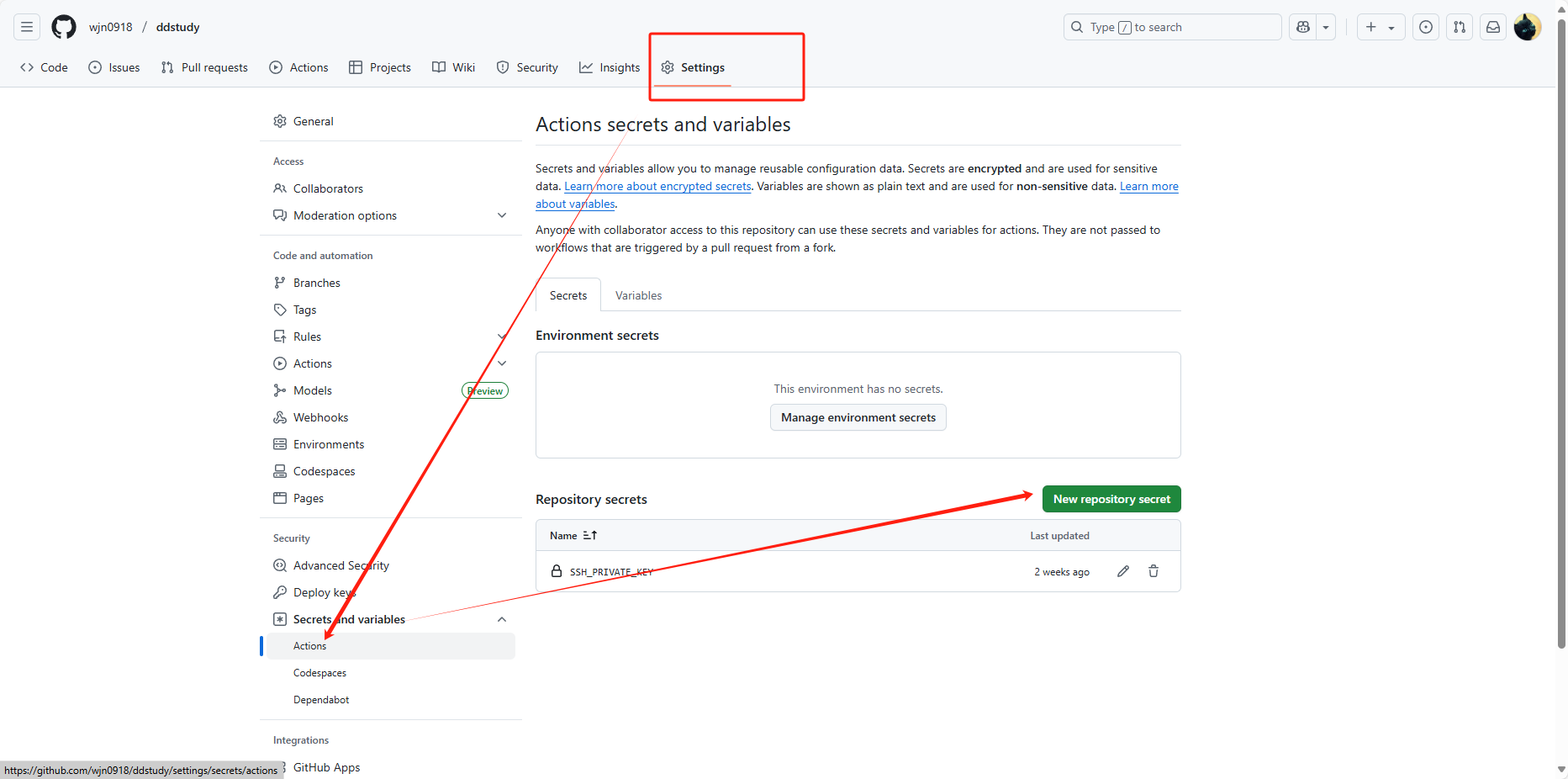
          key: ${{ secrets.SERVER_SSH_KEY }}
          script: |
            docker pull registry.cn-hangzhou.aliyuncs.com/wjn0918/soft:easybd-frontend
            docker pull registry.cn-hangzhou.aliyuncs.com/wjn0918/soft:easybd-backend
            docker compose -f /opt/easybd/compose.yml down
            docker compose -f /opt/easybd/compose.yml up -d
SERVER_SSH_KEY 使用~/.ssh/id_rsa